
ZDX Troubleshooting & Support: Module 9 of 11 (EDU-202)
Course 9 of 11 in Zscaler for Users - Engineer (EDU-202) eLearning Courses
Gain hands-on experience with ZDX troubleshooting and support. Learn to analyze network performance, monitor call quality, apply AI-driven insights, and resolve WiFi issues. Explore performance data and network path investigations to enhance user experience.
In this module, learners explore Zscaler Digital Experience (ZDX) to diagnose and resolve performance issues across networks, devices, and applications. They begin with network performance analysis, leveraging end-to-end visibility, root-cause analysis, and granular insights. Learners then practice call quality monitoring for platforms like Microsoft Teams, Zoom, and Webex, followed by AI-driven troubleshooting using Copilot. The module also covers WiFi performance analysis, including score comparisons, dashboard insights, and root-cause detection. Finally, learners apply performance degradation analysis to investigate latency, packet loss, jitter, and network path issues such as ISP or firewall problems. By the end, learners will be equipped to proactively troubleshoot and support digital experiences with ZDX.
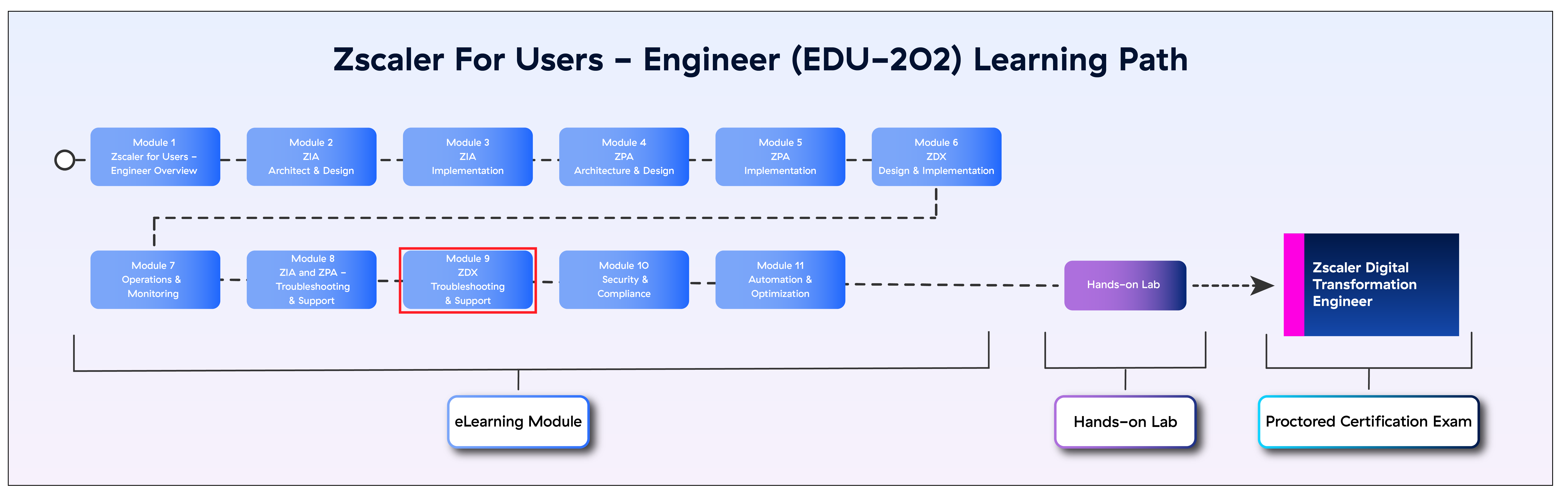
The image below shows your position in the EDU-202 Learning Path.
Course Details
| Course Title | ZDX Troubleshooting & Support: Module 9 of 11 (EDU-202) |
| Course Duration | 60 minutes |
| Course format | Online + Hands-on Lab + Exam |
| Assessment | Proctored exam |
| Prerequisites | ZIA and ZPA Troubleshooting & Support: Module 8 of 11 (EDU-202) |
| Target Audience for this course | Network and Security Administrators, Engineers, and Architects |
| Certificate | The ZDTE Certification comes with a Credly Badge. |